 Skip to content


Black Friday falls on Friday 27 November 2026, with Cyber Monday on 30 November. For a South African online store, that weekend is the year’s biggest stress test. Last year Peach Payments processed more than R1.86 billion over the four days, up 93% on 2024. Every hour your checkout is down that weekend is revenue your competitors collect instead.
This WooCommerce Black Friday checklist walks you through what to test, in what order, and when to stop changing things. Use it to protect live orders, then decide whether your store needs routine care, a technical review or a rebuild.

Key takeaways
| Check | Why it matters |
|---|---|
| Updates | Test on a staging copy first, then freeze changes at least a week before Black Friday. |
| Backups | Back up the database and files, and prove a restore works without overwriting newer orders. |
| Payments | Test every payment method you offer, including card, instant EFT and buy now, pay later. |
| Hosting | Check how the server and caching cope with a rush, especially in the morning peak. |
| Promotions | Rehearse coupons, sale prices, stock and delivery rules as one scenario. |
| Next step | Choose routine care, a technical review or a rebuild based on what you find. |
What Black Friday traffic looks like for South African WooCommerce stores
Three patterns from last year should shape your preparation, according to bank and payment data reported by ITWeb:
- The rush starts early. Ozow saw its busiest window between 07:00 and 11:00 on Black Friday, peaking between 11:00 and 12:00. Your store must be ready before breakfast, not after lunch.
- Cyber Monday matters. Ozow reported that Cyber Monday overtook Black Friday in retail transaction volume. Plan for a four-day event, not one day.
- Baskets are getting bigger. Absa saw an average online basket of R827. Bigger baskets mean each failed checkout costs you more.
Your WooCommerce Black Friday timeline
The biggest WooCommerce Black Friday mistake is making changes too late. Work back from 27 November:
| When | What to do |
|---|---|
| 3 to 4 weeks before | Update WordPress, WooCommerce, theme and plugins on staging. Test, then apply to the live store. Book any hosting upgrade. |
| 2 weeks before | Test a full backup restore. Run checkout tests on every payment method. Load products, sale prices and coupons as scheduled drafts. |
| 1 week before (from 20 November) | Change freeze: no new plugins, no theme changes. Rehearse the full promotion. Confirm courier cut-offs and stock counts. |
| 48 hours before | Take a fresh backup. Check uptime alerts are reaching a real person. Brief staff on who handles what. |
| Black Friday to Cyber Monday | Watch failed orders, stock and site speed from early morning. Fix only what blocks orders. |
| The week after | Review what broke, what slowed down and what customers asked. Plan fixes before the December rush. |
1. Plan updates on staging before traffic rises
List the journeys your customers and staff depend on: finding a product, adding to cart, checkout, payment and fulfilment. That list becomes your test plan, and it stops a quick look at the homepage from passing a store with a broken checkout.
Apply WooCommerce, theme and plugin updates on a staging site first and test every journey there. When staging passes, update the live store during a quiet period, and record the previous versions so you can roll back fast if something breaks.
Resist adding a plugin for every last-minute idea. Each new plugin is another thing that can conflict with checkout during your busiest weekend. If routine updates keep slipping, a website maintenance plan puts them on a schedule instead of leaving them to the last week.
2. Prove your backups restore without losing orders
A complete backup includes both the database (products, customers, orders and settings) and the files (theme, plugins and images). Missing either one means you cannot fully recover.
A backup you have never restored is an assumption, not a safety net. Restore it to a separate environment and check that the store works. Then agree how you would protect orders placed after that backup, because restoring an older database over a live store can wipe out newer orders.
Do not assume your hosting covers this. On SynthX hosting, for example, backups come with a care plan rather than the hosting itself. Care plans start at R350 a month with monthly backups, core and plugin updates, security updates and performance checks. Busy stores should consider weekly or daily backups, which come with the Business and Custom plans.

3. Lock down security, access and payment settings
- Review admin and shop manager accounts. Remove anyone who no longer needs access, and turn on two-factor authentication for every admin.
- Scan for malware and check logs. Investigate unfamiliar users, unexpected file changes and repeated failed logins.
- Restrict payment gateway logins. Only the people who need your Payfast, Yoco, Ozow or Peach Payments dashboard should have access.
- Test in sandbox mode. Live test orders can charge real cards, reduce stock and confuse your packing team.
- Protect customer data. If you use a staging copy, anonymise customer records so you stay within POPIA.
4. Test speed and capacity on real shopping journeys
Measure category pages, product pages, cart and checkout on mobile, not just the homepage. A fast homepage proves nothing if checkout takes eight seconds to load.
Load-test realistic journeys at gradually increasing traffic. Watch response times, server errors and completed checkouts, not just page views. Include the services around your store: payment gateways, courier rate lookups and stock syncs can all slow down under pressure, even when your server looks healthy.
Avoid stacking optimisation plugins. Two caching plugins doing the same job can conflict and make problems harder to find. If your store regularly struggles under load, the issue is often the hosting. Our comparison of managed WordPress hosting vs shared hosting explains when an upgrade is worth it, and our WooCommerce hosting runs on LiteSpeed servers configured for WordPress.
5. Rehearse the full checkout and promotion
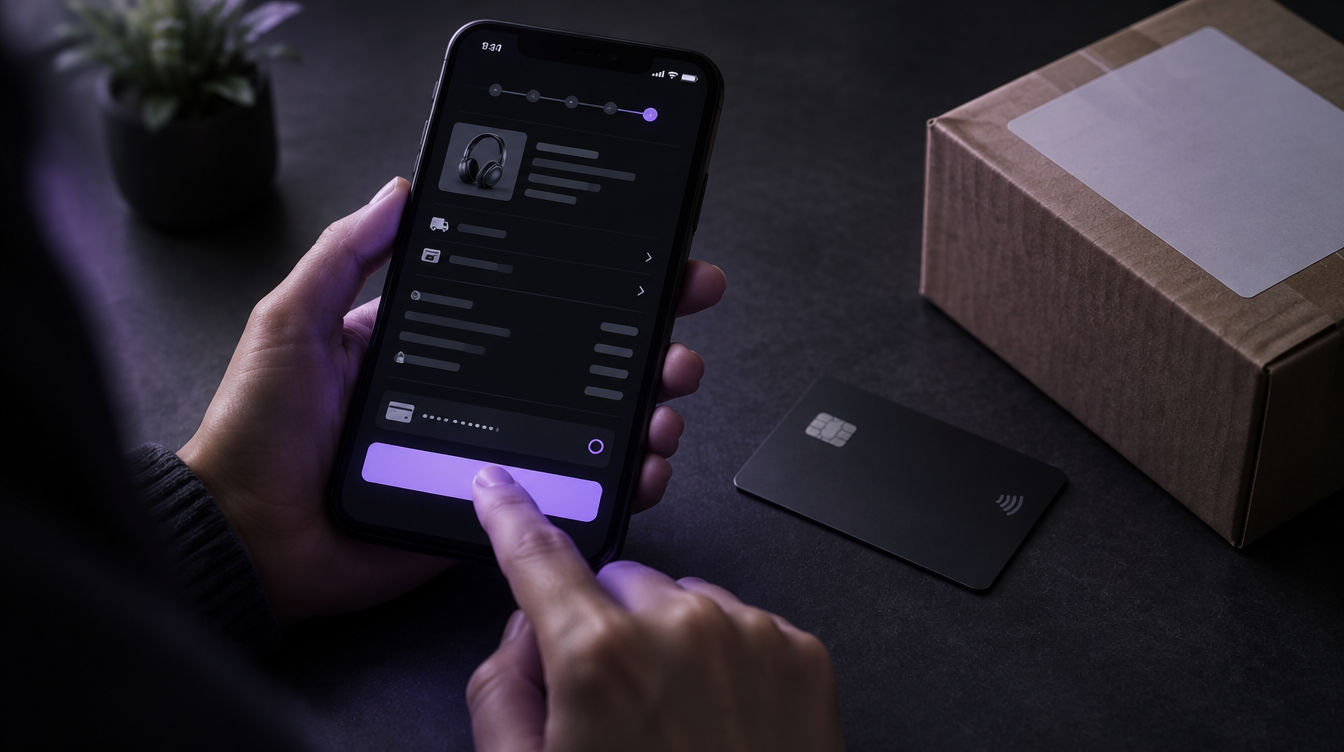
A successful payment does not prove the order flow works. For each payment method and main delivery area, complete a test order and check:
- Payment status updates correctly in WooCommerce
- Delivery charges match your courier rules
- Stock reduces by the right amount
- The order confirmation email arrives and looks right on a phone
- Your team can find, pack and fulfil the order
Then rehearse the promotion itself: coupon rules, which products qualify, sale start and end times, delivery charges and the terms customers see. Test a cancellation and a refund too, so staff know what the records should look like when an order changes. A promotion is a full operational scenario, not just a discount code.
Our WooCommerce website development service tests the payment gateway end to end on every store we build, for exactly this reason.

6. Check products, stock and delivery promises
Before the sale goes live, check prices, variations, stock levels, sale dates, images and delivery information. Wrong stock or unclear delivery times lead to cancellations, refunds and angry reviews at the worst possible moment.
Confirm your courier’s festive season cut-off dates and show them clearly on product and checkout pages. Many Black Friday shoppers are buying Christmas gifts, so be honest about what will arrive in time.
7. Set a monitoring rhythm for peak season
| How often | What to check |
|---|---|
| Daily | Uptime, failed or pending orders, stock levels and payment notifications |
| Weekly | Backups, updates and a full test of your main shopping journeys |
| Monthly | Speed trends, user access and recurring technical problems |
Keep a short incident log: what broke and what fixed it. If the same part of checkout fails after several fixes, that points to a deeper problem than routine maintenance can solve.
Routine care, technical review or rebuild?
Once you have worked through this WooCommerce Black Friday checklist, use what you find to choose the right level of help:
| Option | Choose it when |
|---|---|
| Routine care | Checkout works and your needs are predictable: updates, backups, security and small fixes. |
| Technical review | Checkout failures recur, updates keep breaking features, the store is slow under load, or nobody can confidently restore it. |
| Rebuild | Targeted fixes cannot make the main shopping journeys reliable, or every small change has become risky. |
Find out what is actually broken before you commit to a rebuild. With three weeks to Black Friday, the honest answer for most stores is to fix the critical issues now and plan bigger changes for the new year.

Our free website audit is a good place to start. A person at SynthX reviews your live store for speed, mobile, conversion, SEO, trust and local presence, then sends a written, branded PDF within one business day. It is free, with no obligation, and the findings are yours to keep.
Frequently asked questions
When is Black Friday 2026 in South Africa?
Black Friday 2026 is on Friday 27 November, and Cyber Monday is on Monday 30 November. Many South African retailers run deals across the whole weekend and the week before, so have your store ready well before the Friday.
How far ahead should I start preparing my WooCommerce store for Black Friday?
Start three to four weeks ahead so you have time to update, test, fix and test again. Freeze changes about a week before Black Friday and use that final week for rehearsals and monitoring, not new features.
Should I update WooCommerce right before Black Friday?
Not in the final week unless it is a security fix. Apply updates on a staging copy three to four weeks out, test your checkout, then update the live store while traffic is still normal.
How much traffic should a WooCommerce load test simulate?
Use your own analytics from last year’s Black Friday and recent sales to estimate peak visitors, then test a gradual increase plus a short burst above that. Include browsing and checkout, not just repeated page loads, because checkout is where stores usually fail.
Can a staging site use real customer data?
Avoid it where you can. Use anonymised or test records, restrict access to the staging site and disable live payment credentials, so you stay within POPIA and do not charge real customers.
What should I fix first if there is not enough time before Black Friday?
Fix anything that stops payment, corrupts orders, exposes customer data or blocks fulfilment. Write down lower-priority issues, assign an owner to each, and leave cosmetic changes until after the festive season.
Get your store Black Friday ready
A reliable WooCommerce Black Friday checklist treats updates, backups, security, speed, checkout, promotions and fulfilment as one connected system. Start with the checks that protect live orders, freeze changes a week out, and watch the store closely from early on the Friday morning.
Not sure your store will hold up? Request a free website audit and you will have a written PDF within one business day, or get in touch to talk about care, a technical review or a store rebuild.
Sources: Peach Payments, Black Friday 2025 results (December 2025); ITWeb, “Local online spending surges on Black Friday” (December 2025), reporting Absa, Ozow and Standard Bank data.
